LOTP
python
References
- https://docs.python.org/3/using/cmdline.html#environment-variables
- https://docs.python.org/3/library/sys_path_init.html
- https://docs.python.org/3/reference/import.html
python is used to execute Python programs.
Environment variable poisoning
By default, python doesn’t load any configuration files in the current directory. However, if we’re able to poison multiple environment variables, we can gain code execution before any python/pip invocation through the $PYTHONWARNINGS environment variable.
This environment variable, while usually intended to control Python warnings, lets us load a Python module by name through the category section. We can use this to load the antigravity module which is an easter egg that opens an xkcd comic in your favorite browser.
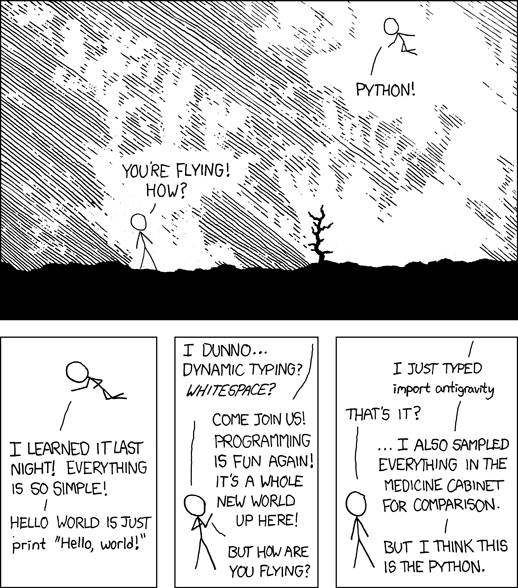
To open the comic in a web browser, antigravity relies on the webbrowser module which in turn uses the $BROWSER environment variable (if configured) to choose an executable with which to open the comic URL.
From there, the chain can be adapted depending on the available utilities, but here is a functional example with bash:
PYTHONWARNINGS="::antigravity.::"
BROWSER="/bin/bash"
BASH_ENV="$(f=$(mktemp);echo pwned; echo exit>$f; echo $f)"
While
$(echo pwned)would’ve been sufficient as an assignment to$BASH_ENV, the additional commands ensure that the invocation to/bin/bashreturns a successful status code which prevents the opening of an additional browser.
Direct execution
If a pipeline runs an attacker-controlled script, its code runs directly:
python script.py
python -I script.py still runs that script; isolation only changes how Python finds imports and handles environment settings.
Module shadowing
Shadow the invoked module
With -m, -c, or standard input, Python searches the current directory first for imports. A checkout containing pip.py can intercept an existing command:
python -m pip --version
# pip.py in the working directory
print("LOTP: local pip.py executed")
This replaces pip rather than continuing the install. The same applies to other python -m NAME commands if the checkout contains NAME.py.
Shadow a transitive import
An import inside trusted code can also be shadowed. For example, base64 imports struct:
python -c 'import base64; print(base64.b64decode("aGVsbG8=").decode())'
# struct.py in the working directory
from _struct import *
from _struct import _clearcache
print("LOTP: local struct.py executed")